The Goal
This site is my portfolio and blog, and I built it with Drupal Canvas. At work, we were starting to weigh Canvas as an option. The best way to learn it, I decided, was to use it on my own site. Canvas puts a page together in the browser from components you place, so the theme had to be made of components too.
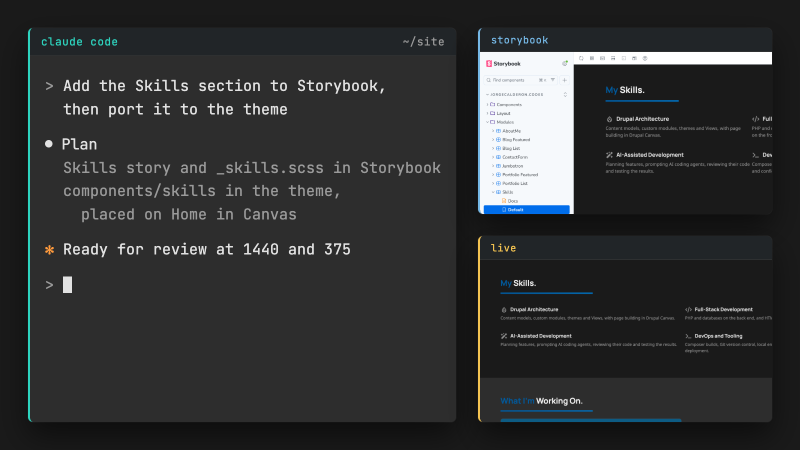
I built it with AI-assisted development as well, using Claude Code on both the Storybook designs and the Drupal theme.
Storybook First, Then Drupal
The design lives in Storybook, a workshop for building interface components on their own. Every section, card and form field is a React component there, each with its own stories. When Storybook and the Drupal theme disagree, Storybook wins. Anyone can browse the published Storybook or its source on GitHub.
In Drupal, those designs become single directory components (SDCs), which keep a component's template, definition and styles in one folder. I arrange them in Canvas on the home, blog, portfolio and contact pages. Blog posts and project pages, this one included, render through Canvas content templates, while the writing stays in Drupal's regular edit form.
The Result
The site runs on Drupal core, contributed modules and its theme, with no custom modules. Every list of posts and projects is a view, and the contact form, once a custom module, is now a Webform.
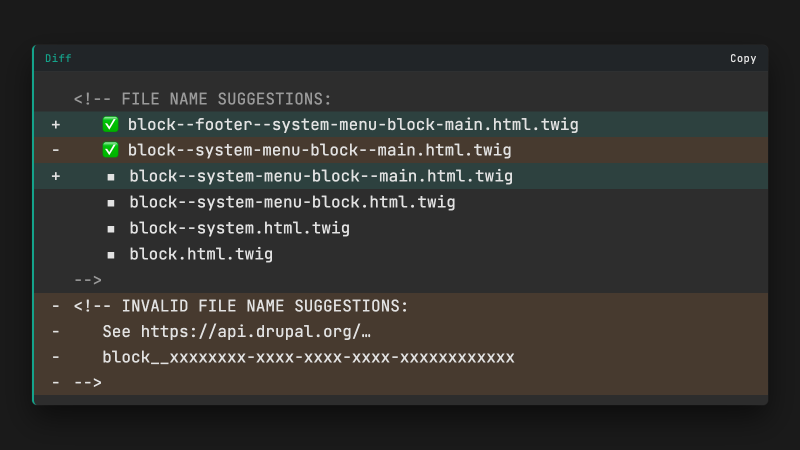
Canvas did leave one gap. My design styles the main menu one way in the header and another way in the footer. But Canvas does not tell a placed block which region it sits in. I wrote Canvas Block Twig Suggestions to fix that. It started inside this site's code, and a few days later I released it on drupal.org.
The Claude Code setup I use today has its own post, Claude Code subagents on cheaper models.